Instant camera scan
Point, capture, and convert in one motion or upload directly from your gallery
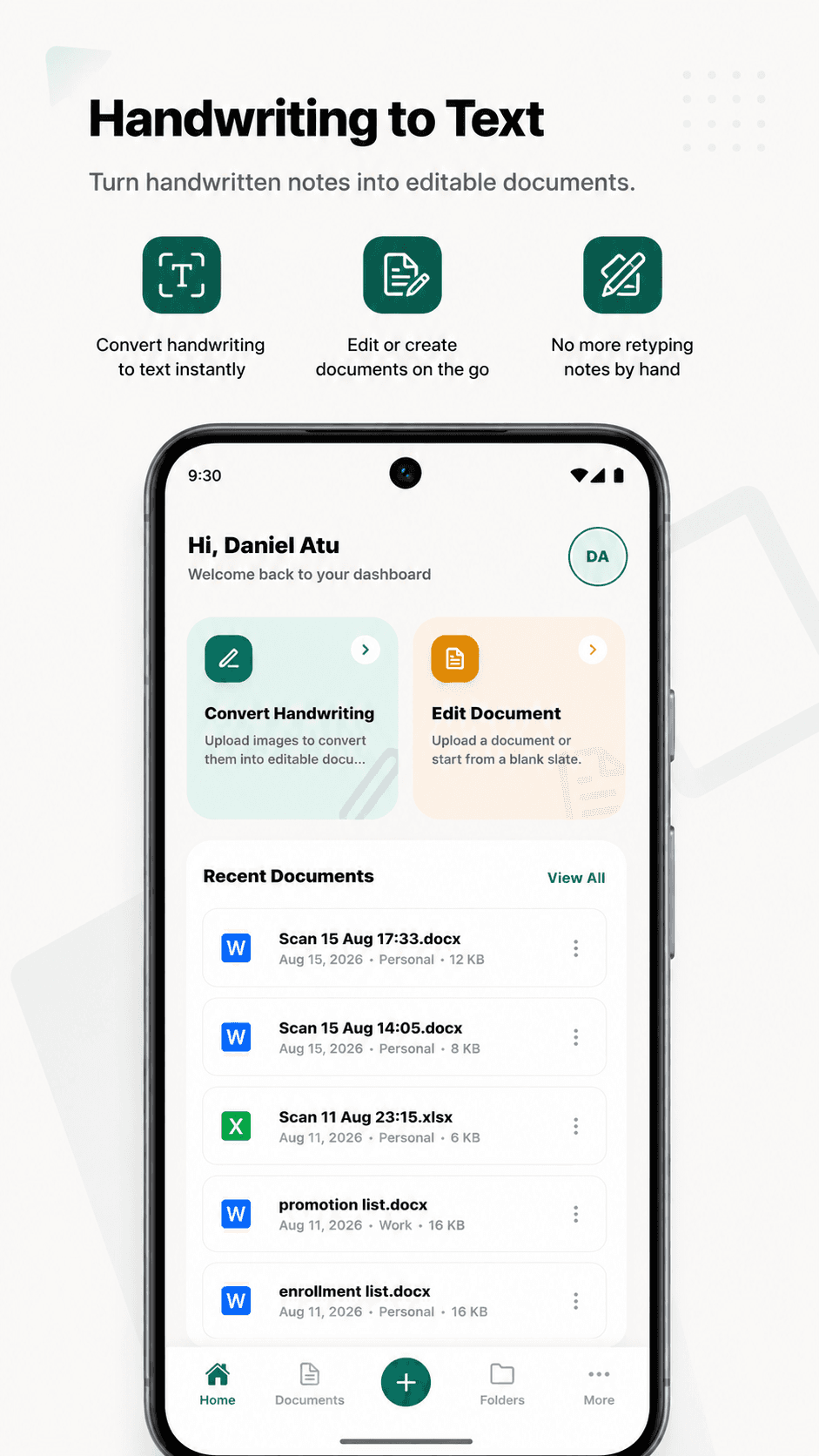
NoteOCR is a handwriting to text and handwriting to Excel app for iOS and Android. Point your camera at any handwritten note, form, or whiteboard, and NoteOCR's OCR engine converts it into an editable Word, Excel, or PDF document before you put your phone away.
Why the app
The web app is great at your desk. The NoteOCR mobile app is a handwriting scanner app built for everywhere, from lecture halls, client meetings, warehouses, or archives.
Point, capture, and convert in one motion or upload directly from your gallery
Download and share your converted document instantly across all apps
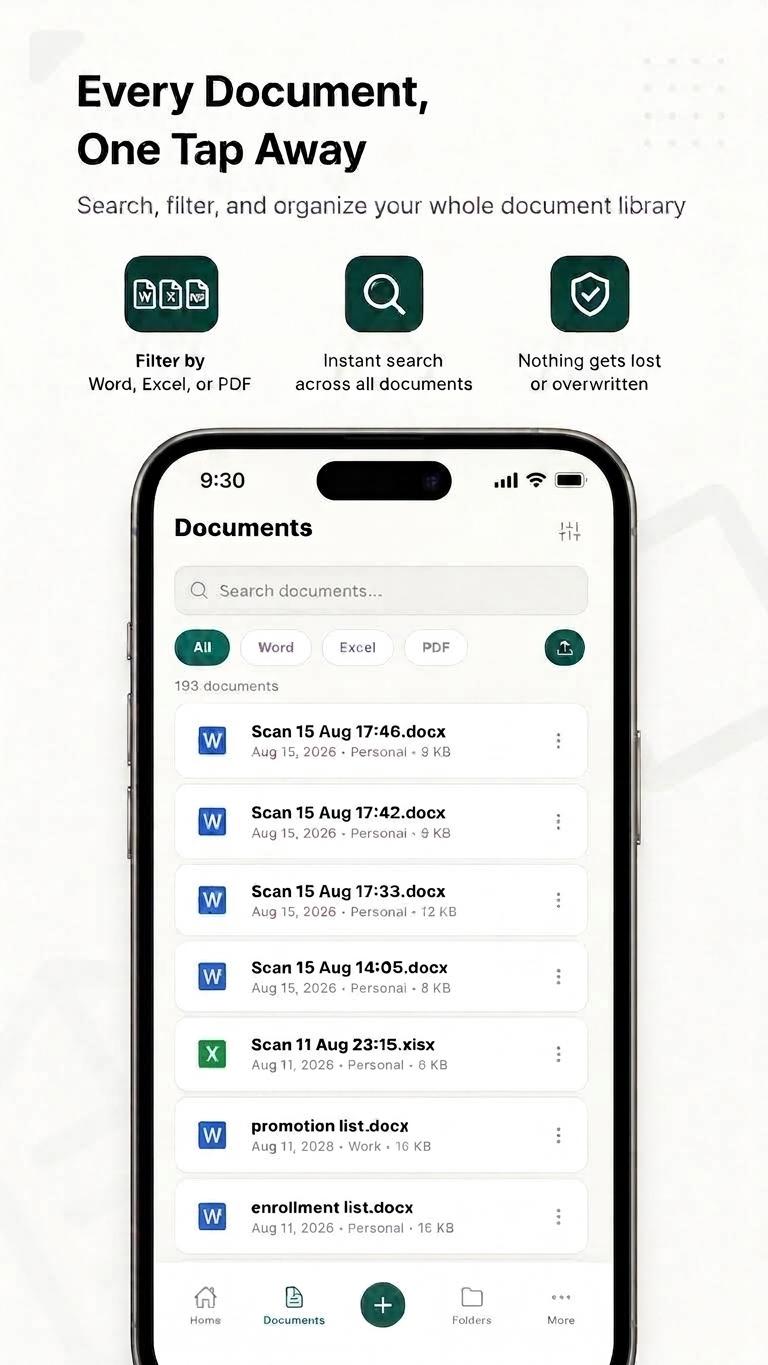
Every scan appears instantly in your NoteOCR dashboard — same account, same documents, any device.
Get notified the second your document is ready, so you never have to sit and wait.
See how NoteOCR handles the specific kind of handwriting you're converting.
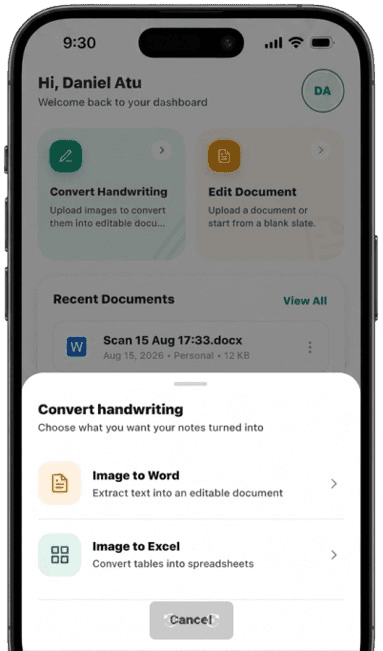
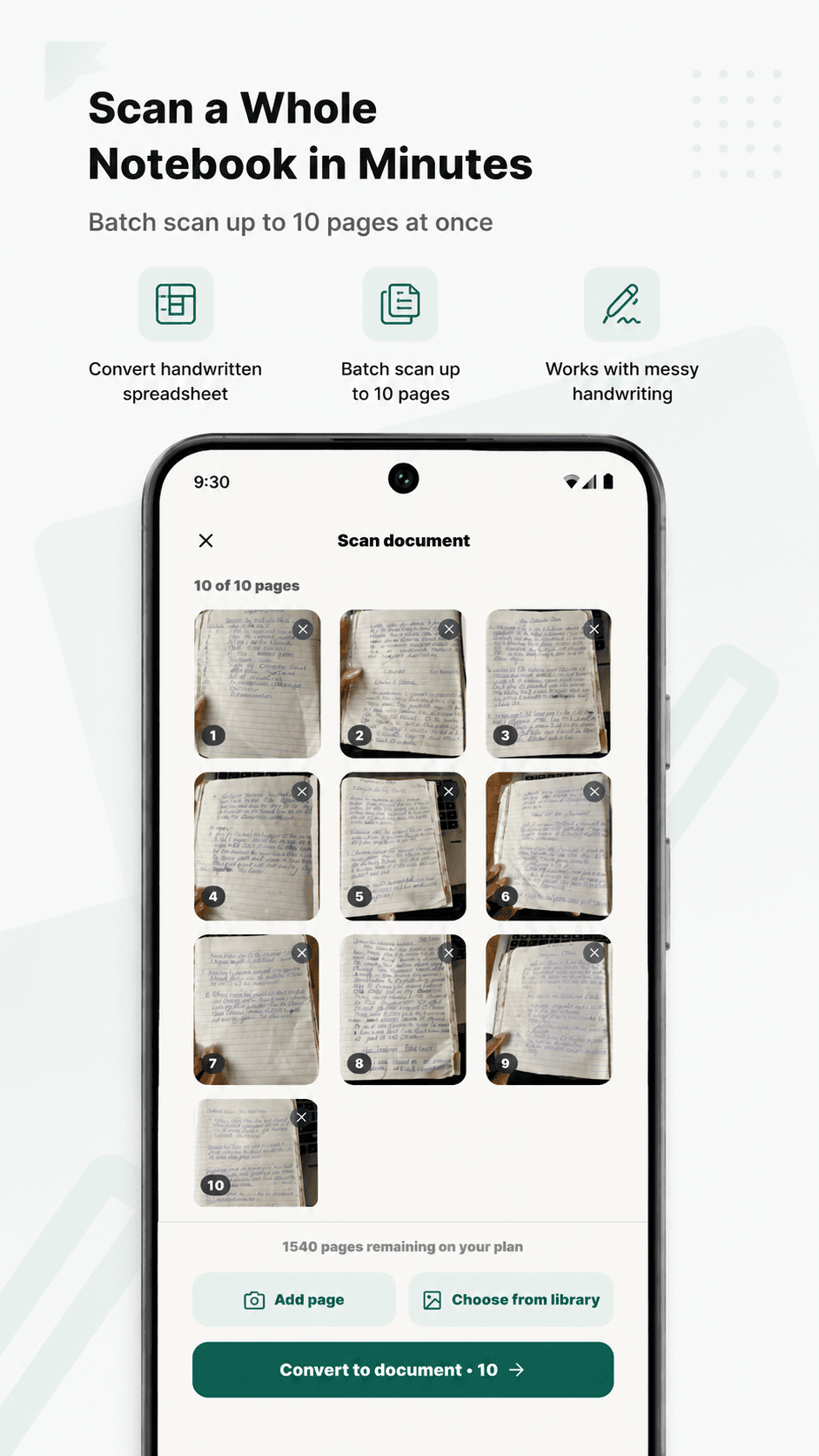
The NoteOCR scan app turns a handwritten page into an editable file in three steps: scan, auto-crop, and export.
Launch NoteOCR and point your camera at any page, whiteboard, or form.
Edges are detected and lighting corrected automatically — no manual cropping.
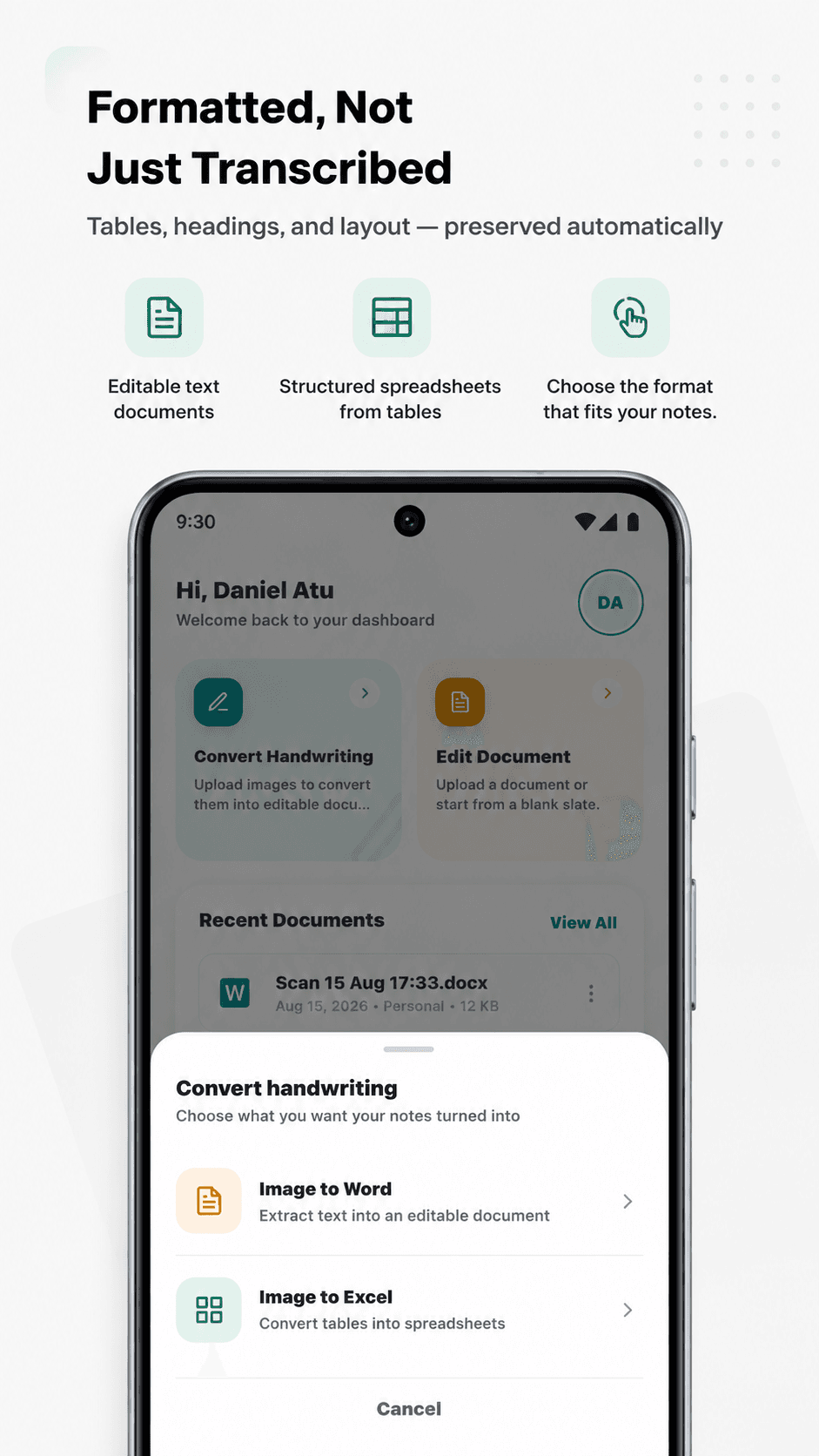
Choose a format and your document is ready to share in seconds.
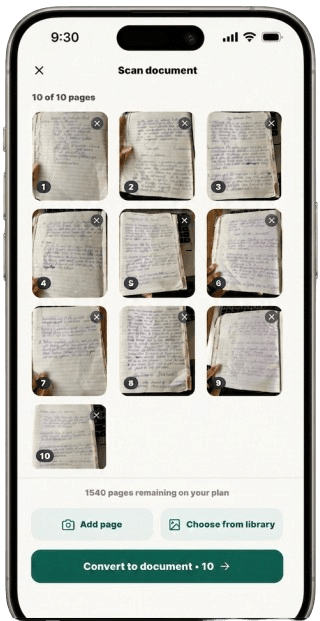
NoteOCR's handwriting to Excel conversion photographs handwritten logs, tables, or lists and automatically detects rows and columns, exporting clean, structured .xlsx files ready for formulas and sorting.
 Before
 After
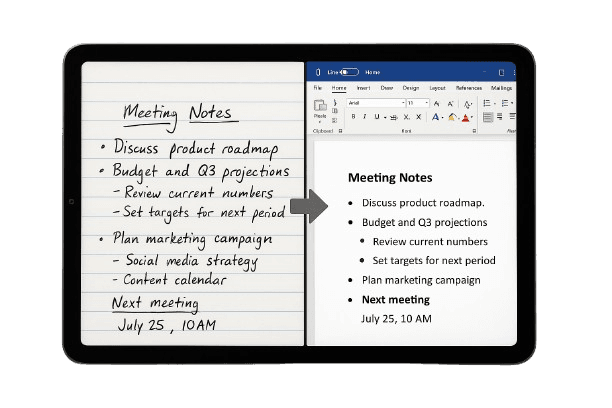
NoteOCR converts handwriting to text with 95–98% accuracy. Its OCR model is trained on both print and cursive handwriting styles, including slanted or mixed handwriting.
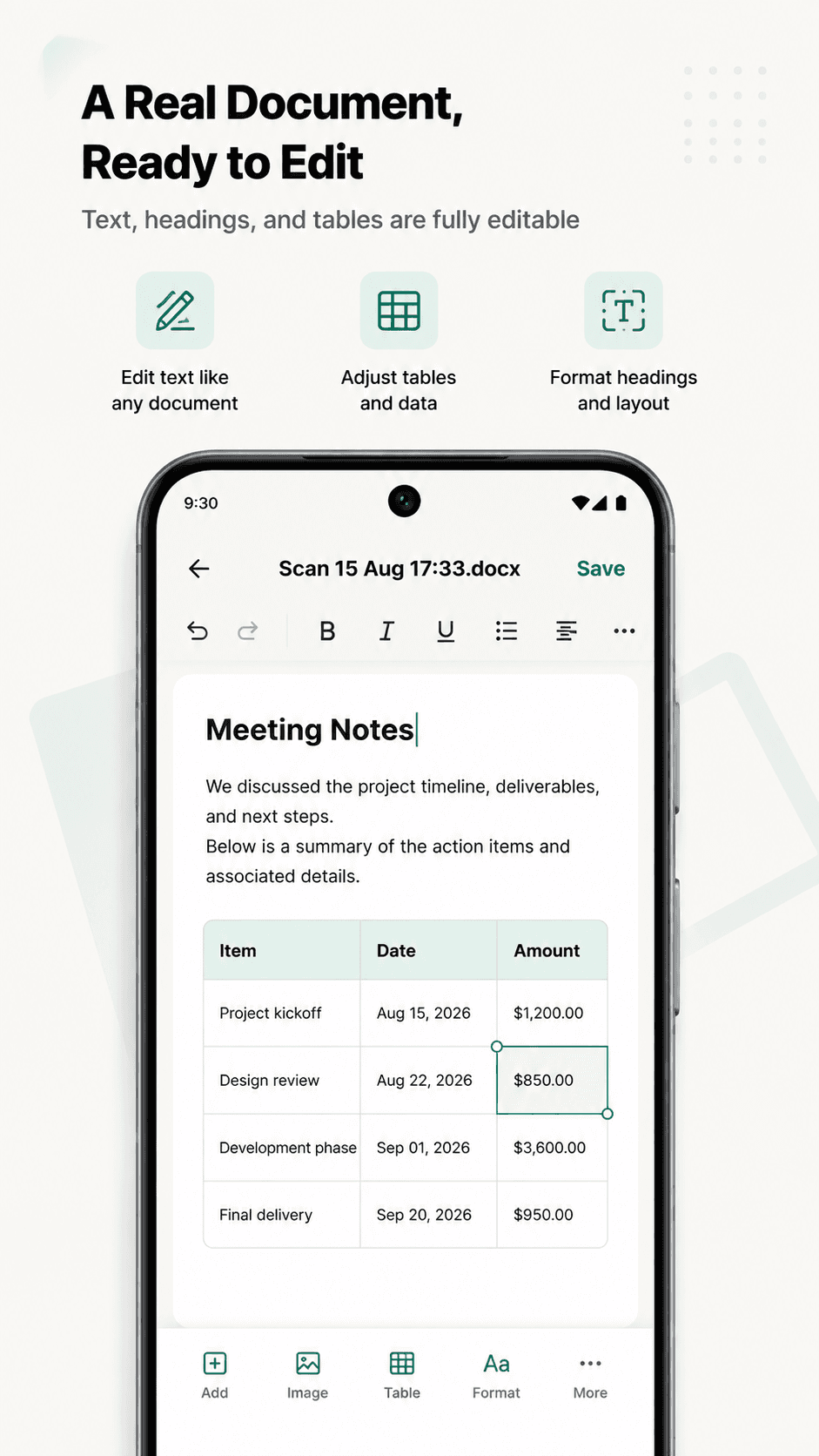
Yes. Open the NoteOCR app, snap a photo of your handwritten page, and it converts straight into an editable .docx file, no need to be at a computer or upload through the website.
Point the NoteOCR app's camera at the table, capture it, and the same engine that powers noteocr.com detects the rows and columns and builds a formatted .xlsx spreadsheet, ready to download or edit on your phone.
Yes. Photograph the page in the NoteOCR app and it reconstructs the text into an editable Word document, making it easy to digitize old letters, journals, or archives one page at a time from wherever they're stored.
Yes. Capture the page with your phone's camera in the NoteOCR app and it's converted into a structured Excel file automatically, so field notes, logs, and lists don't have to wait until you're back at a desk.
Yes. The NoteOCR app is available for both iOS and Android, so you can scan and convert handwritten notes straight from your phone instead of only through the website.
Yes. The NoteOCR app sends a push notification as soon as a scan finishes converting, so you don't have to sit and wait for it in the app.
Yes. The app uses the same free and paid plans as noteocr.com, so your monthly page allowance and any Pro or Business features apply whether you scan from your phone or upload from your desktop.
Yes, downloading the NoteOCR app is free. You can start converting handwritten notes right away on the free plan, then upgrade in-app if you need a higher monthly page limit.
Launching September 21 on iOS and Android. Free to download.