
Convert Handwritten Notes & Tables to Excel: The Complete Industry Guide (2026)
Stop wasting hours re-entering handwritten data. Learn how NoteOCR converts notes, tables and forms into clean Excel data in seconds.
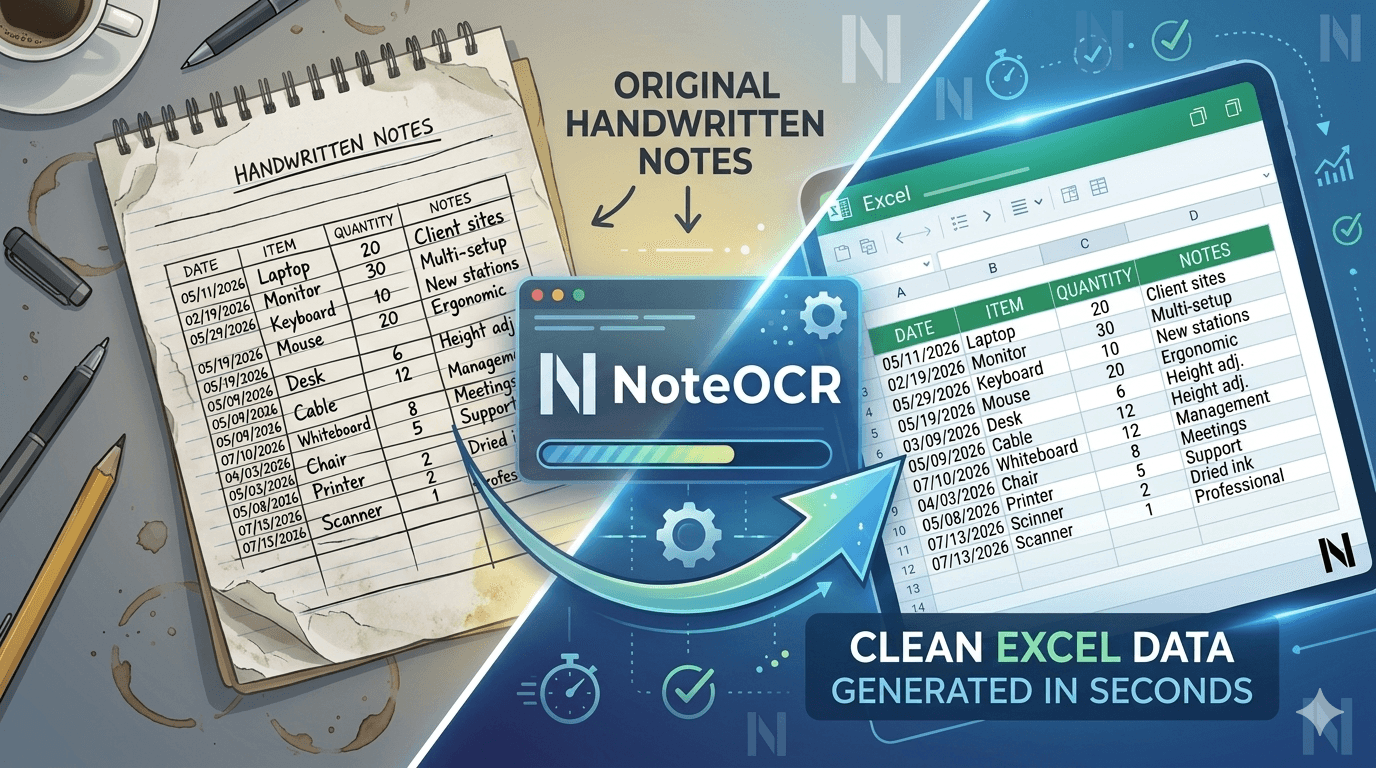
Walk into almost any warehouse, hospital ward, school, construction site, farm, or bank branch and you'll find the same thing: clipboards, notebooks, paper forms, and handwritten tables. Despite decades of digital transformation, handwritten data capture remains deeply embedded in global workflows. The problem isn't the paper. The problem is what happens after. The hours lost manually re-entering that data into Excel.
Skip the reading — convert your handwriting right now.
Upload a photo of any handwritten note or table. Get a clean Word or Excel file in under 30 seconds.
The Hidden Cost of Handwritten Data
Paper is fast, flexible, offline, and universally accessible. A nurse jotting vitals during rounds, a site foreman recording daily output, a teacher marking attendance — they reach for a pen because it's quicker than opening an app. But then comes the second step — manually transferring that data into Excel. This is where hours disappear, errors multiply, and decisions get delayed.
⏱️ 3–5 Hours Lost Weekly
The average employee spends 3–5 hours per week manually re-entering handwritten data into spreadsheets or systems.
❌ 1–4% Error Rate
Manual data entry carries a consistent 1–4% error rate — devastating in healthcare, finance, and logistics where precision is non-negotiable.
✅ NoteOCR Solves This
Our Engine reads your handwriting tables, notes, forms and exports a perfect Excel file in seconds. No typing. No errors.
How NoteOCR Converts Handwriting to Excel in 3 Steps
NoteOCR uses a multi-layer AI pipeline combining computer vision, deep learning OCR, and intelligent table detection to read handwriting the way a human would but faster, and without errors.
- 1. Upload your image. Take a photo with your phone, drop a scan, or upload a PDF. NoteOCR accepts JPG, PNG, PDF, HEIC, and TIFF.
- 2. AI reads and structures. Our OCR engine detects handwriting, identifies table rows and columns, and maps the structure intelligently to match your original layout.
- 3. Download your Excel file. Get a clean, formatted .xlsx file with your data in the right cells ready to analyze, filter, or import into any system.
"Most OCR tools read text line-by-line and dump it as a flat paragraph. NoteOCR understands that row 3, column 4 belongs in cell D3 of your spreadsheet. preserving the original table structure that matters to your business."
Every Industry That Benefits. All 22 of Them
Handwritten data exists in every sector of the global economy. These aren't theoretical examples. these are the workflows NoteOCR users run every single day.
Healthcare & Medical
Patient vitals, medication dosages, clinical notes, lab worksheets, and intake forms — digitized instantly for EHR systems and billing compliance.
High PriorityConstruction & Engineering
Daily labor logs, material quantities, equipment hours, and inspection checklists from site foremen converted to Excel for project managers instantly.
Field-HeavyAgriculture & Farming
Crop yields, irrigation schedules, fertilizer usage, livestock records, and harvest logbooks digitized for precision agriculture and government subsidy reporting.
Paper-DominantManufacturing
Shift logs, QC inspection sheets, machine downtime records, and inventory counts — converted to Excel and fed into ERP systems end-of-shift.
High VolumeLogistics & Supply Chain
Delivery receipts, packing lists, goods-received notes, and driver logs converted to Excel for reconciliation against purchase orders and invoices.
Time-SensitiveEducation & Schools
Attendance sheets, grade books, exam mark sheets, and student progress notes digitized into spreadsheets for administration, reporting, and analysis.
Recurring UseFinance & Accounting
Handwritten ledgers, petty cash books, invoice logs, and expense sheets from SMEs converted to Excel — the first step toward accurate financial reporting.
Accuracy CriticalRetail & Inventory
Stock counts, price lists, supplier orders, and daily sales tallies from paper clipboards digitized and entered into POS or inventory management systems fast.
Bulk DataHospitality & Food Service
Food temperature logs, guest orders, supplier deliveries, and staff timesheets digitized for food safety compliance, payroll, and operational reporting.
ComplianceLegal & Law Firms
Case notes, deposition summaries, billable hours, and client intake forms digitized saving legal assistants hours of transcription per case.
ConfidentialReal Estate
Property inspection reports, tenant applications, lease payment logs, and maintenance request forms digitized for CRM entry and compliance documentation.
High ValueResearch & Laboratories
Lab notebooks with experimental data, measurements, chemical quantities, and observations converted to structured Excel data for faster analysis and reproducible research.
Data-RichMining & Oil & Gas
Drilling parameters, production volumes, equipment inspections, and safety checklists from remote field operators digitized before they reach head office systems.
Remote OpsAutomotive & Transport
Vehicle inspection sheets, service logs, parts used, and labor hours converted to Excel for billing accuracy, stock control, and full service history records.
Service RecordsUtilities & Energy
Meter readings, fault reports, and field engineer maintenance forms digitized quickly for accurate billing, faster fault resolution, and regulatory reporting.
Field DataInsurance
Handwritten damage assessments, loss reports, and field policy update forms digitized fast — getting claims to underwriters and processing systems without delay.
Speed CriticalSports & Fitness
Athlete performance metrics, training logs, competition results, and nutrition plans from coaching notepads digitized for data-driven performance tracking.
PerformanceNGOs & Development Orgs
Field survey data, beneficiary records, and program metrics collected on paper in rural or low-connectivity areas bridged to central data systems via NoteOCR.
ImpactGovernment & Public Sector
Census data, permit applications, court records, and public surveys still paper-heavy in many regions — digitized at scale to accelerate public service delivery.
ScaleMaritime & Shipping
Cargo manifests, safety logs, fuel consumption records, and port maintenance forms digitized and entered into fleet management systems from vessel to office.
RegulatoryTelecommunications
Installation reports, site survey sheets, and fault diagnosis forms from field technicians digitized for accurate job tracking, billing, and network maintenance records.
Field OpsYour industry is on this list. Let's eliminate the manual entry.
No setup. Upload any handwritten note or table and download clean Excel data in seconds.
Why Handwritten Tables Are the Hardest Problem and How We Solve It
General OCR tools have gotten reasonably good at reading plain handwritten text. But handwritten tables are a different beast entirely. The challenge isn't just reading the characters it's understanding the spatial relationships between them.
- ✗ Lines may be slightly crooked or uneven — standard OCR loses track of which row it's reading
- ✗ Columns may not be perfectly aligned — data bleeds across cell boundaries
- ✗ Some cells are blank — OCR shifts everything left, corrupting the entire table
- ✗ Headers look different from data rows — OCR treats them as unrelated text
- ✓ NoteOCR's Table Structure Engine was trained specifically on real-world handwritten tables. It detects grid lines, infers column boundaries, assigns values to correct cells, and reconstructs the table in Excel exactly as you drew it.
NoteOCR vs. Every Alternative: An Honest Comparison
| Method | Speed | Accuracy | Table Support | Scalable? |
|---|---|---|---|---|
| Manual Typing | Very slow | Error-prone | Manual effort | ✕ No |
| Google Docs OCR | Fast | Moderate | No tables | ✕ No |
| Microsoft Lens | Fast | Moderate | Basic only | ⚠ Limited |
| Generic OCR Apps | Moderate | Print only | Poor | ⚠ Limited |
| 🏆 NoteOCR | Instant (<30s) | 98% | Full support | ✓ Fully scalable |
The Real ROI: What Is Manual Data Entry Actually Costing You?
Let's make this tangible. If you have 10 employees each spending 3 hours per week manually entering handwritten data at an average wage of $20/hour:
$600
Lost to data entry every week
$31,200
In annual labor cost for manual entry
80%+
Of this cost eliminated by NoteOCR
Beyond direct cost savings, digitizing handwriting faster means your data reaches decision-makers faster. Inventory shortages get caught sooner. Financial anomalies are flagged earlier. Patient records are updated in real-time. The downstream value compounds every single day.
Real-World Results: Use Cases From Actual NoteOCR Users
📋 Construction: 12 Site Reports in 8 Minutes
A project manager photographs 12 handwritten daily reports from site supervisors. NoteOCR converts all 12 and produces a consolidated Excel file. A task that took 2 hours now takes 1 minutes.
🏥 Healthcare: Ward Round Charts Digitized in Real-Time
A ward nurse photographs patient observation charts after rounds. NoteOCR converts them to Excel, feeding the hospital's patient management system with zero manual re-entry.
📚 Education: 400 Students' Results in 20 Minutes
A school administrator photographs mark sheets for 400 students across 8 subjects. NoteOCR extracts all scores into a structured Excel file. What took a full day now takes 20 minutes.
🌾 Agriculture: 50 Farmer Field Books Digitized Monthly
A cooperative photographs yield data from 50 small-holder farmers' field books. NoteOCR creates a consolidated Excel file for government reporting — replacing a full week of clerk work.
Frequently Asked Questions
Can NoteOCR read messy or cursive handwriting?
Yes. NoteOCR's AI is trained on a wide variety of handwriting styles including messy printing, cursive, mixed scripts, and non-native speaker handwriting. The cleaner the image, the better the accuracy, but it handles real-world handwriting, not just textbook-perfect samples.
Does NoteOCR preserve my table structure in Excel?
Yes. This is one of NoteOCR's core differentiators. Our table detection AI identifies row and column boundaries in handwritten tables and maps each value to the correct Excel cell and not extracting text as a flat unstructured list.
What file formats can I upload?
NoteOCR accepts JPG, PNG, HEIC, TIFF, and PDF. Photos from a smartphone, flatbed scans, or any standard image file all work. Multi-page PDFs are processed page by page in a single upload.
Is my data secure?
Absolutely. Documents uploaded to NoteOCR are processed securely, are not stored permanently, and are never used to train AI models. All data transmission is encrypted. Enterprise plans include additional compliance and data handling guarantees.
Does it support languages other than English?
NoteOCR supports 40+ languages including Spanish, French, Arabic, Hindi, Chinese (Simplified & Traditional), Portuguese, and Swahili. It handles multilingual documents with mixed scripts as well.
Does this OCR tool require a monthly subscription?
NoteOCR operates on a transparent, one-time payment/pay-as-you-go model rather than locking users into rigid monthly subscriptions..
Can I process documents in bulk?
Yes. NoteOCR Pro and Enterprise plans include batch processing, upload and convert hundreds of documents simultaneously. Ideal for end-of-day or end-of-week bulk digitization workflows.
Your Handwriting → Clean Excel Data. In Seconds.
Join professionals across healthcare, logistics, finance, education, and 20+ other industries who've stopped manually entering handwritten data. No credit card. No setup. Results in under 30 seconds.

About Daniel Atu
The NoteOCR team consists of AI researchers and engineers dedicated to closing the gap between analog thought and digital workflows. We build tools that make handwriting perfectly searchable.
More about usKeep reading
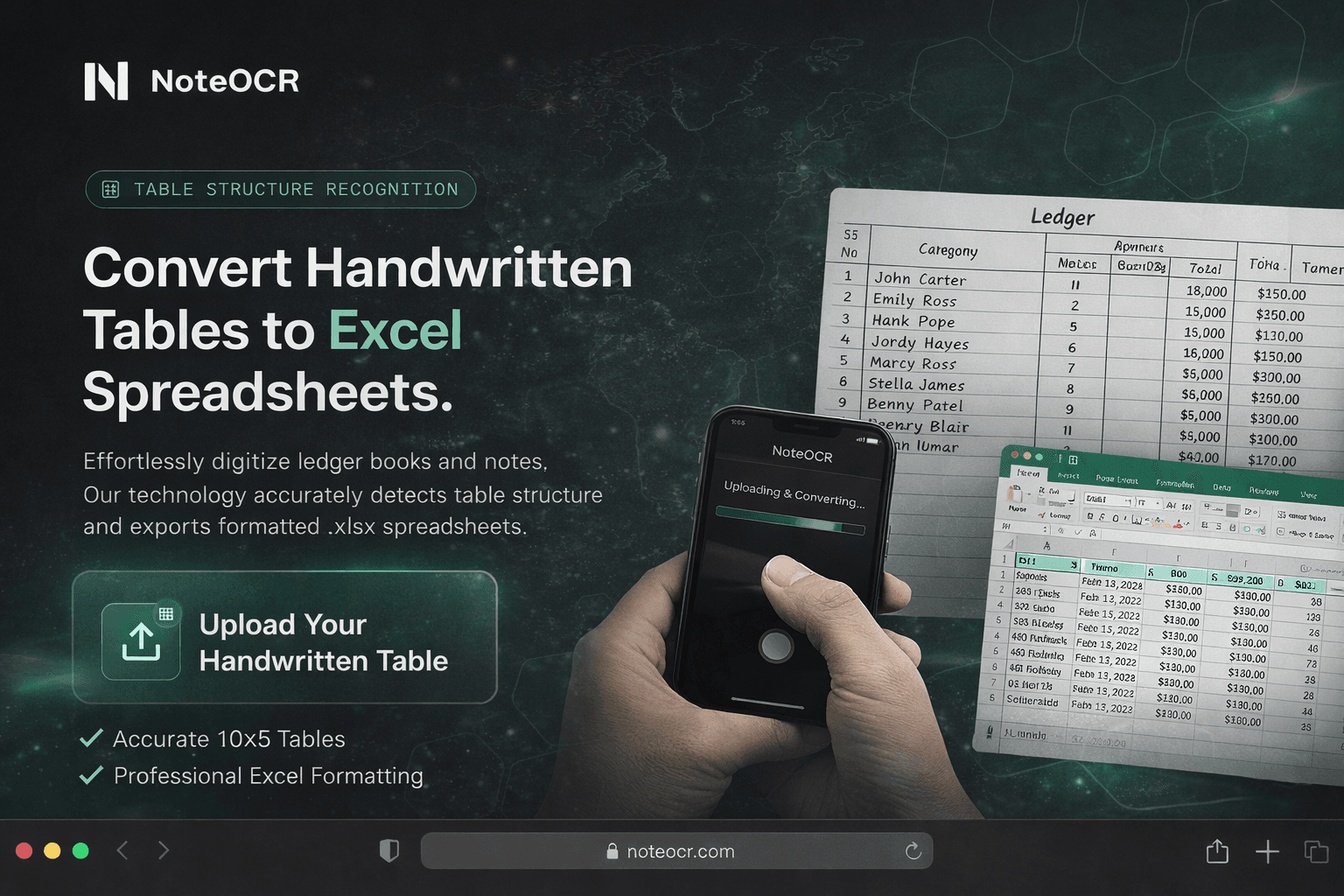
Best Apps to Convert Handwritten Tables to Excel in 2026 (Tested & Ranked)
Struggling to convert handwritten tables into Excel? We tested 7 tools on real handwriting — messy, cursive, and structured then ranked them honestly. One clear winner.
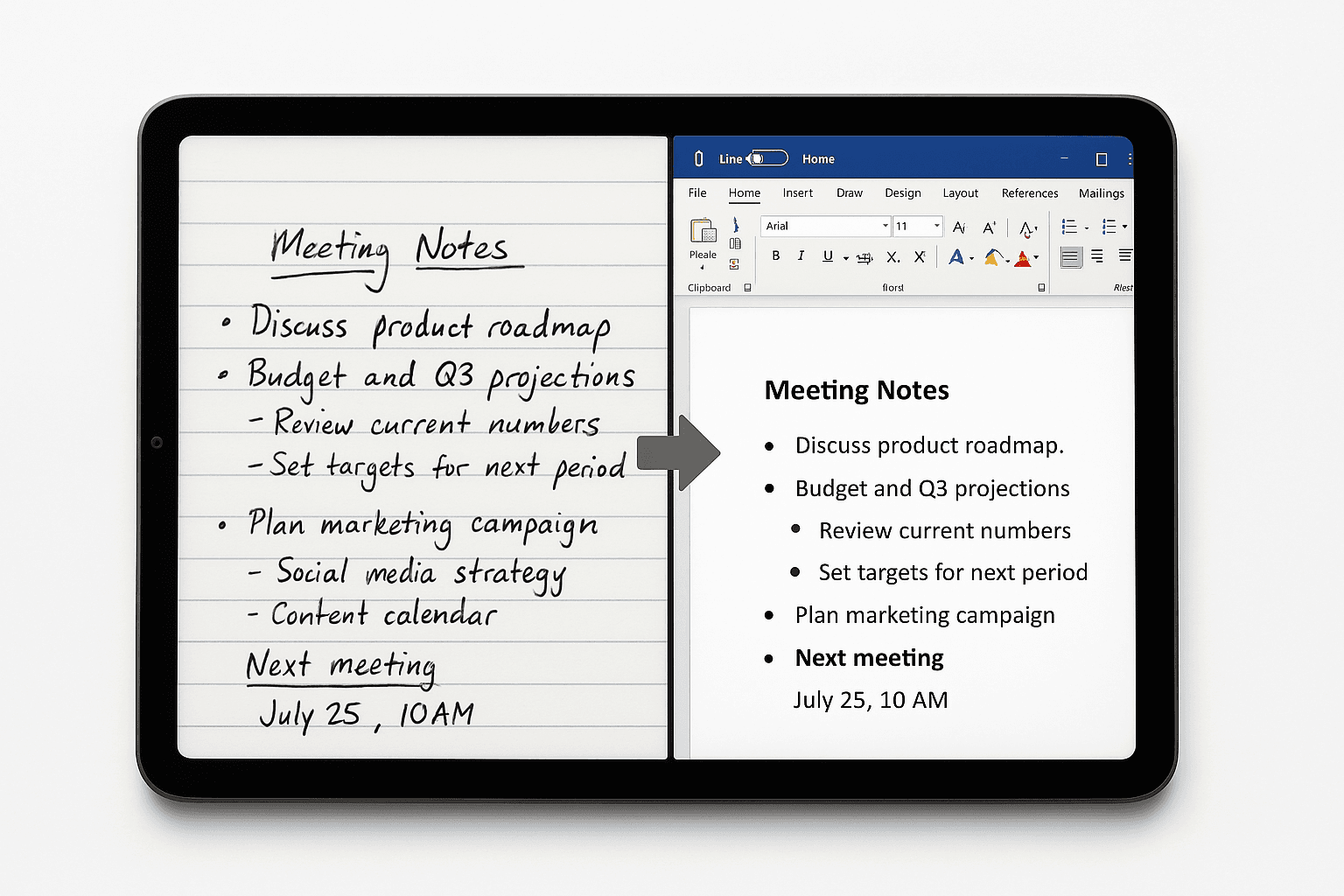
How to Convert Handwritten Notes to a Word Document Online (Without Retyping a Single Word)
Stop retyping handwritten notes manually. We tested 6 tools that convert handwritten pages to editable Word documents online — and ranked them honestly. One handles messy writing, tables, and multi-language text better than all the rest.