Convert handwritten notes into editable Word and Excel files
Upload a photo or scan of handwritten notes, tables, invoices or timesheets. NoteOCR recognizes the writing and rebuilds its structure as an editable document.
Try a conversion without signing up. Review your result before choosing a paid plan.
1,000 pages converted daily
Try it with your own handwriting
Upload an image and see how NoteOCR converts it. You can preview the result without creating an account.
- Recognizes printed and cursive writing
- Exports to Word, Excel and PDF
- Available on web, iPhone and Android
- Free preview without signup
See handwritten documents transformed
Explore examples of handwritten documents converted with NoteOCR. Results can vary depending on handwriting and image quality.
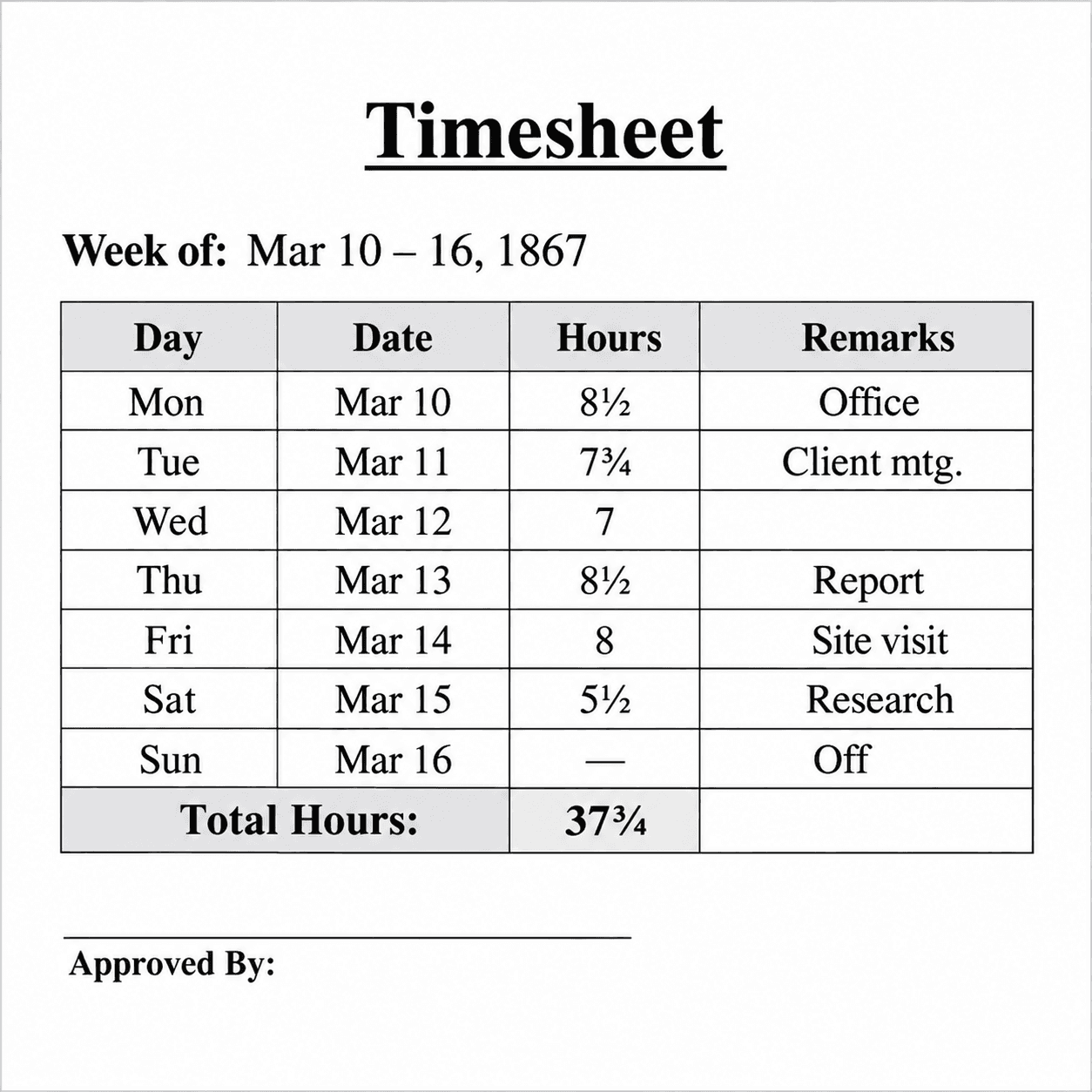
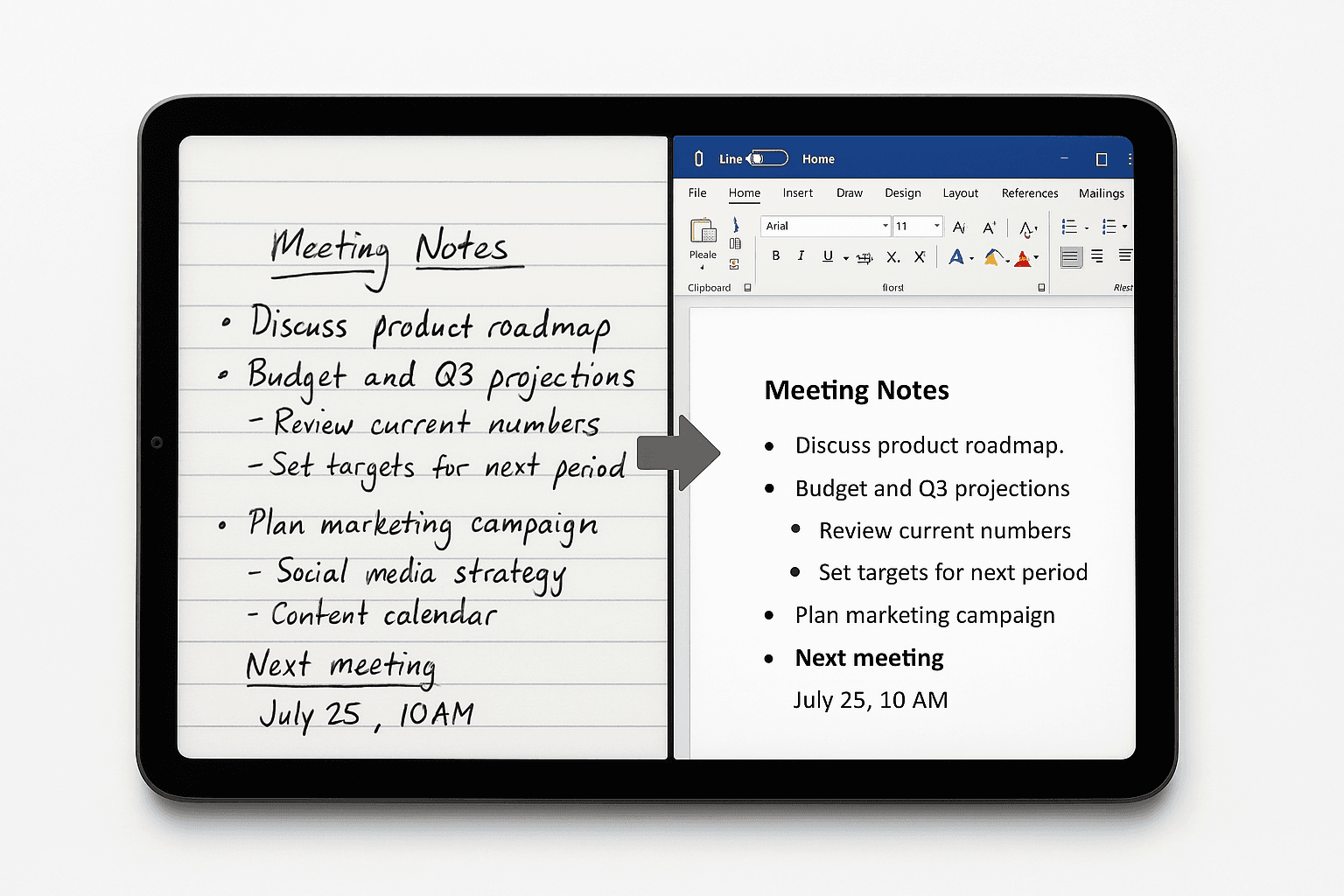
Original document
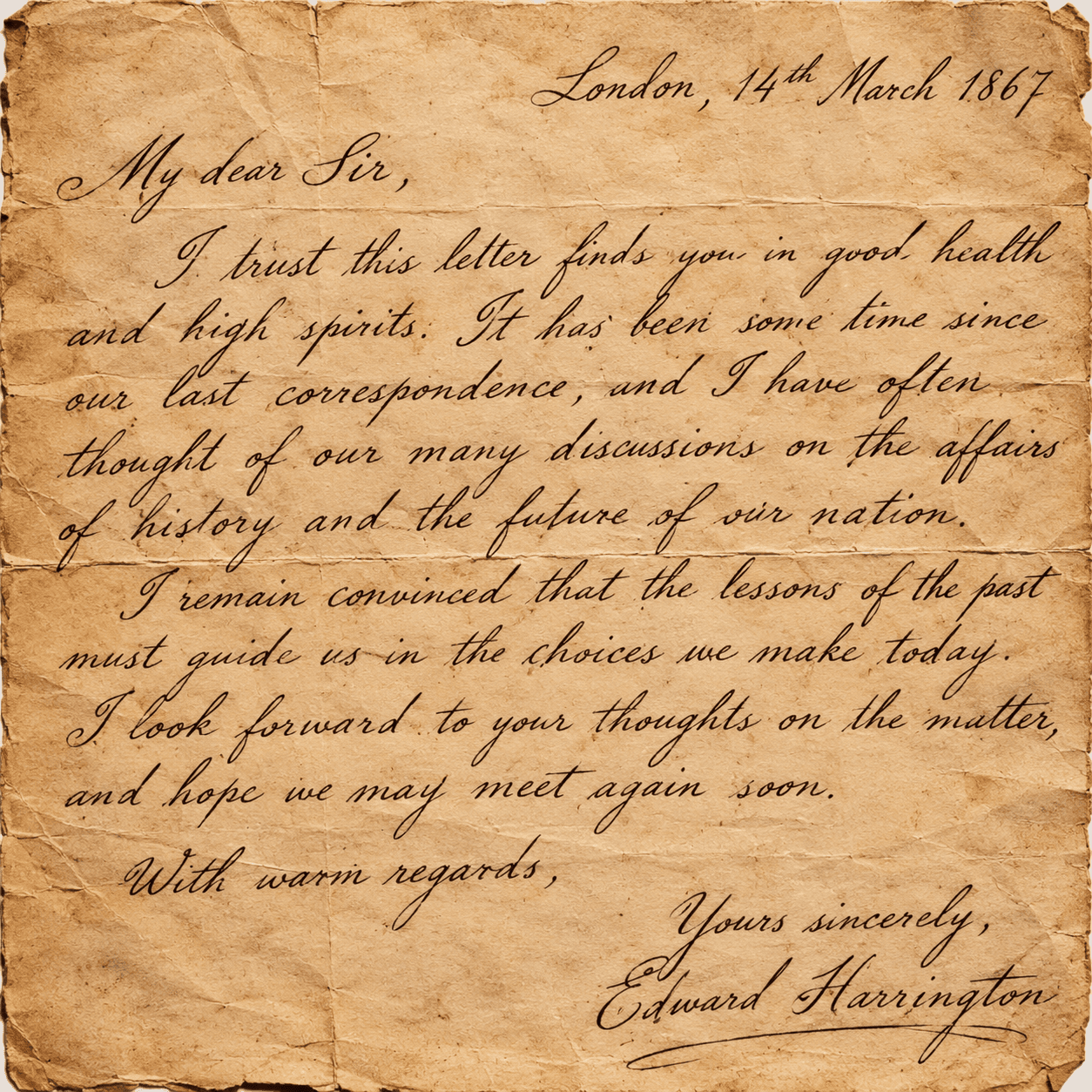
Converted to Word Instantly (No Typing)
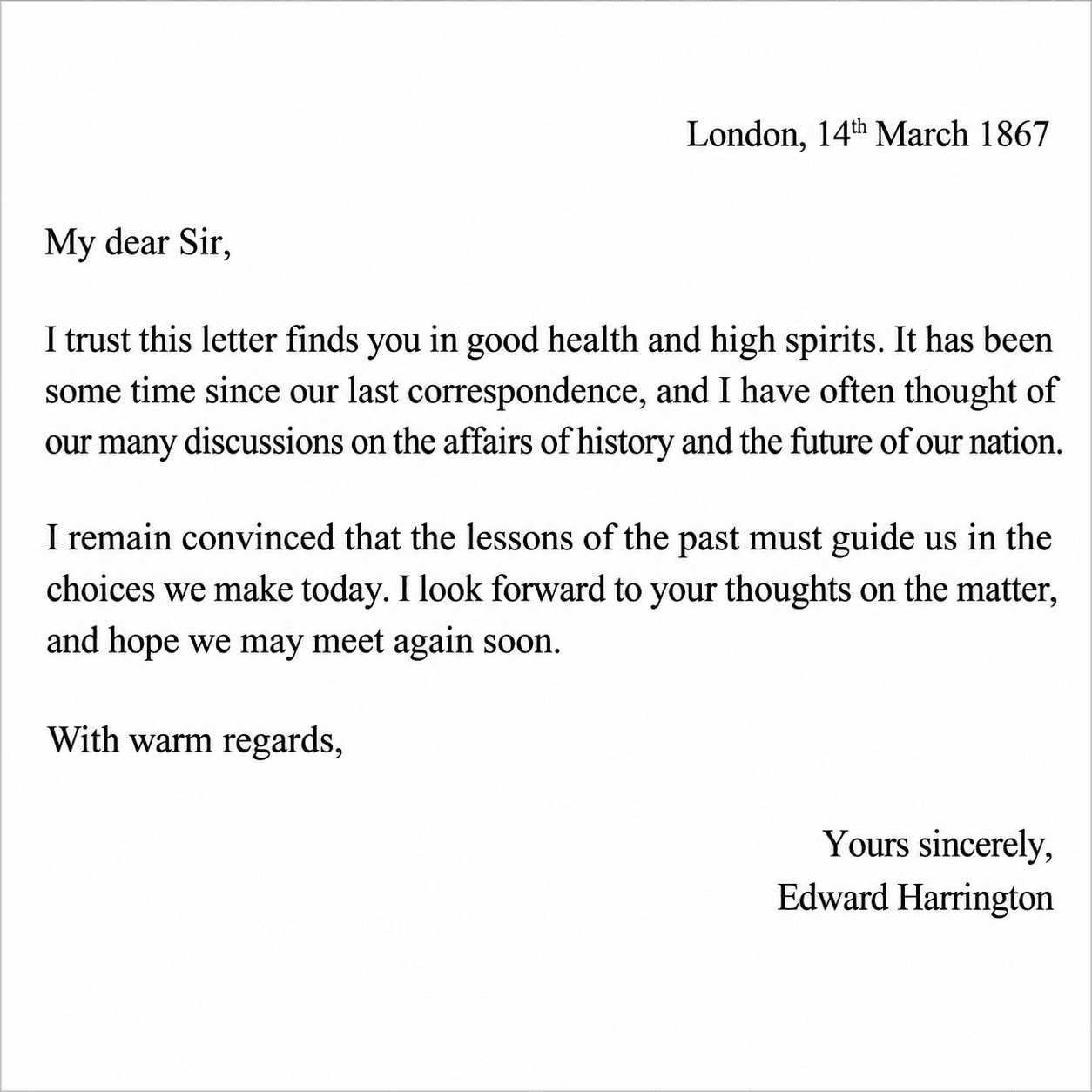
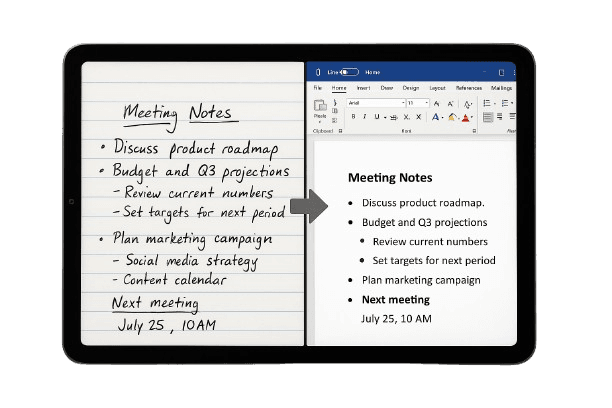
Original document
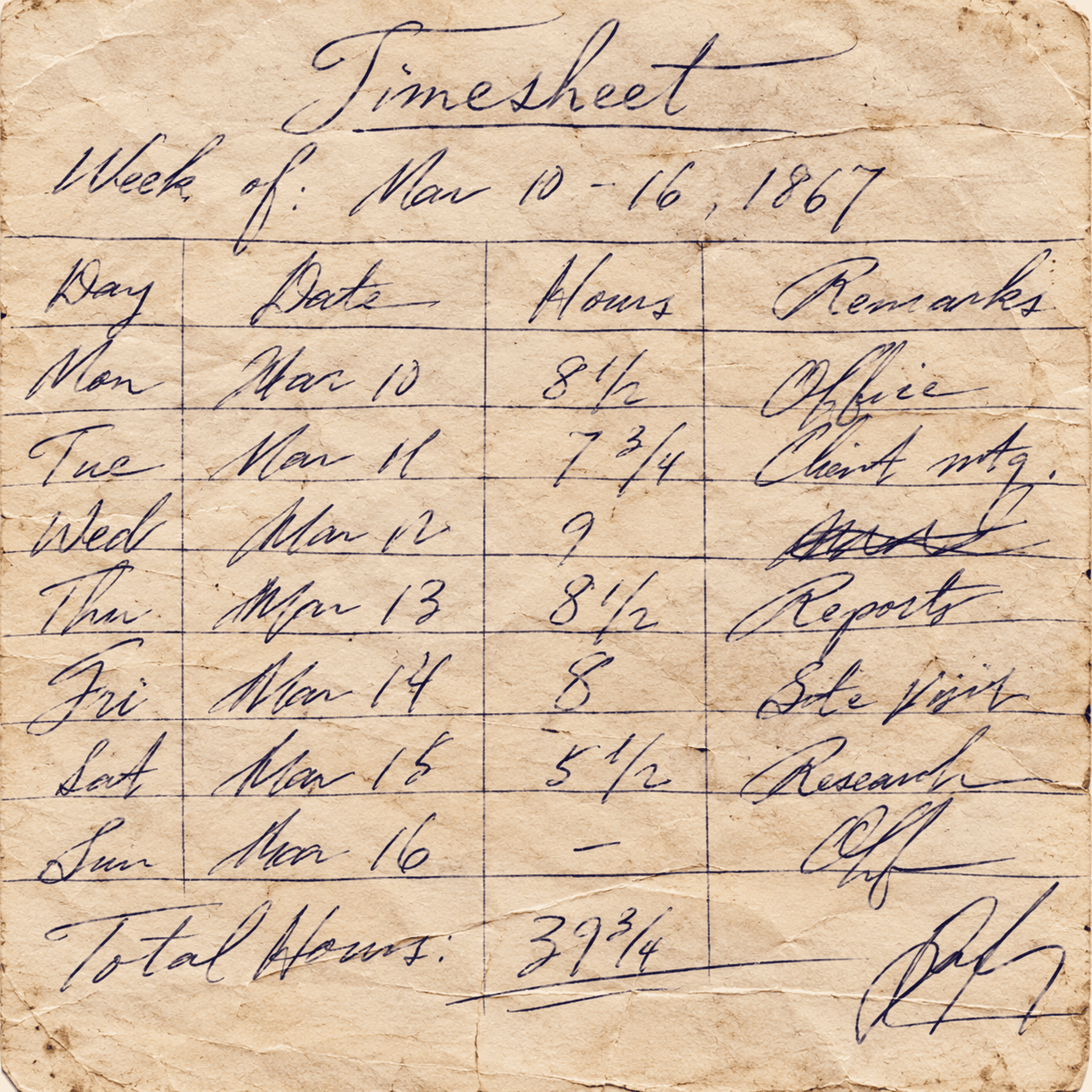
Converted to Excel Instantly (No Typing)
Choose what you want to convert
Explore specific handwriting conversion tools and guides for different document types.
Handwriting to text
Convert handwritten notes, letters and journals into editable digital text.
Learn moreHandwriting to Word
Turn handwritten pages into editable Word documents with paragraphs, headings and lists.
Learn moreHandwriting to Excel
Convert handwritten tables, records and logs into editable Excel spreadsheets.
Learn moreHandwritten invoice to Excel
Extract handwritten invoice details, quantities and totals into a spreadsheet.
Learn moreHandwritten timesheet to Excel
Convert handwritten work hours and attendance records into spreadsheet data.
Learn moreHandwritten inventory to Excel
Move handwritten stock counts and inventory records into an editable spreadsheet.
Learn more
How NoteOCR works
Upload your document
Choose a photo, scan or PDF containing handwritten content. Supported images are automatically prepared for recognition.
Recognize and rebuild
NoteOCR reads the handwriting and identifies document elements such as paragraphs, headings, lists and tables.
Edit and export
Review and correct the converted content in the editor, then export it to Word, Excel or PDF.
NoteOCR is built for handwriting rather than just printed text. After you upload a photo, scan or PDF, it reads the writing and works out whether each part is a paragraph, heading, list or table. Handwritten tables become rows and columns in Excel, and notes become formatted text in Word. You can then fix anything it got wrong in the editor before you download. For best results, use a well-lit, sharp image and double-check names, dates and figures.
See a handwritten page become a document
Watch how NoteOCR recognizes handwritten content and turns it into an editable digital document.
Who uses NoteOCR
People who work with handwriting every day use NoteOCR to save time on manual typing.
Students and teachers
Turn handwritten lecture notes, lesson plans and assignments into editable documents.
Convert notes to WordSmall businesses
Move handwritten invoices, receipts and sales records into spreadsheets.
Convert invoices to ExcelManagers and HR teams
Digitize handwritten timesheets and attendance sheets for payroll and reporting.
Convert timesheets to ExcelWarehouses and shops
Turn handwritten stock counts and inventory logs into organized spreadsheets.
Convert inventory to Excel
What NoteOCR can and cannot handle
Understanding what affects handwriting recognition helps you get better conversion results.
What NoteOCR supports
- Printed and cursive handwriting
- Handwritten tables, invoices, timesheets and lists
- Multiple languages, including Latin-script languages and more
- Old handwritten letters.
- Photos, scanned documents and supported PDF files
- Conversion into editable Word, Excel and PDF files
Current limitations
- Very faded, blurred or heavily shadowed images may produce poor results
- Notes that contains unclear diagrams
- Images larger than 10 MB in the free demo
Recognition quality depends on handwriting clarity, image resolution, lighting and document condition. Clear handwriting generally produces better results. Always review important names, dates and figures after conversion.
Supported languages
- English
- Español
- Français
- Deutsch
- Italiano
- Português (Brasil)
- Nederlands
- Dansk
- Norsk
- Svenska
- Suomi
- Türkçe
- हिन्दी
- 日本語
- 中文
- And many more
How NoteOCR differs from traditional OCR
Many general OCR tools focus on extracting text. NoteOCR is designed to recognize handwriting and help rebuild document structures into editable files.
| Feature | General OCR tools | NoteOCR |
|---|---|---|
| Handwriting | Handwriting support varies between tools | Designed for handwritten text, including cursive and messy handwriting |
| Tables | Table structure may need manual correction | Recognizes table layouts and organizes data into Excel cells |
| Output | Often provides extracted text that needs further formatting | Creates editable Word, Excel and PDF documents |
| Editing | May require copying content into another application | Includes an editor with a Word/Excel style toolbar |
Your documents stay yours
Your documents may contain personal or business information. We don't use your documents to train models. Files are encrypted in transit and at rest, and you can delete them from your account at any time. See our privacy policy for details about data handling and retention.
Read our privacy policyPreview for free, then edit and export
Try a conversion and review the result before paying. A paid plan unlocks document editing and Word, Excel and PDF downloads.
Plans start at $12 for 100 pages.
Compare plansWhat users say
Feedback from people using NoteOCR to convert handwriting.
“Converting handwritten pages into editable Word documents saves me hours every week.”
“NoteOCR saves me valuable time by turning my handwritten notes into editable documents, making my academic work much easier.”
“I no longer have to manually type handwritten tables into Excel. NoteOCR accurately converts my drawn tables into properly formatted spreadsheets, saving me hours of data entry.”
Convert handwriting with your phone
Take NoteOCR with you. The app is available to download on iPhone and Android, letting you photograph handwritten documents, preview their conversion and edit them wherever you are.
- Capture handwritten notes, tables and forms with your phone camera
- Preview converted results with the same free option available on the web
- Edit and download Word and Excel documents with a paid account
1,000 pages converted daily
Learn more about the mobile appNoteOCR Blog
Thoughts on AI, document intelligence, and the future of work.
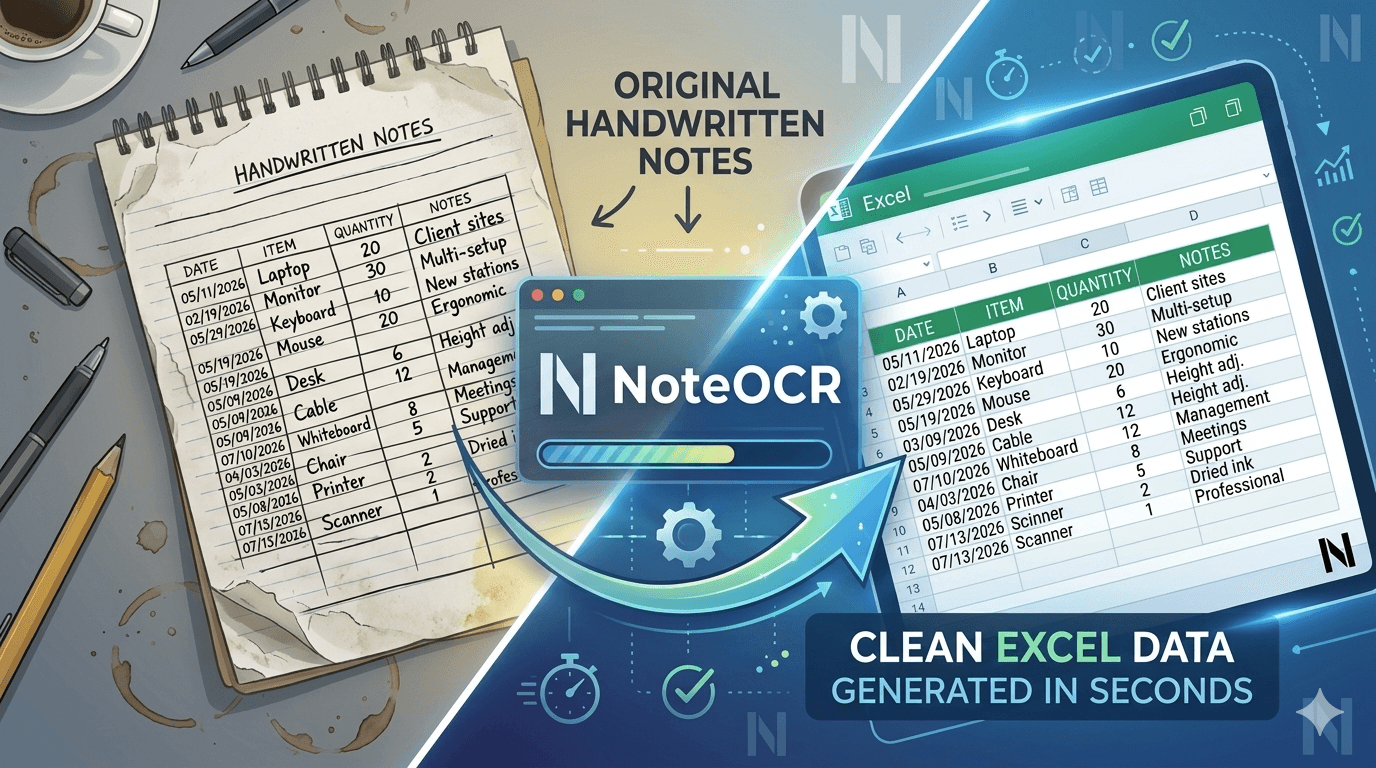
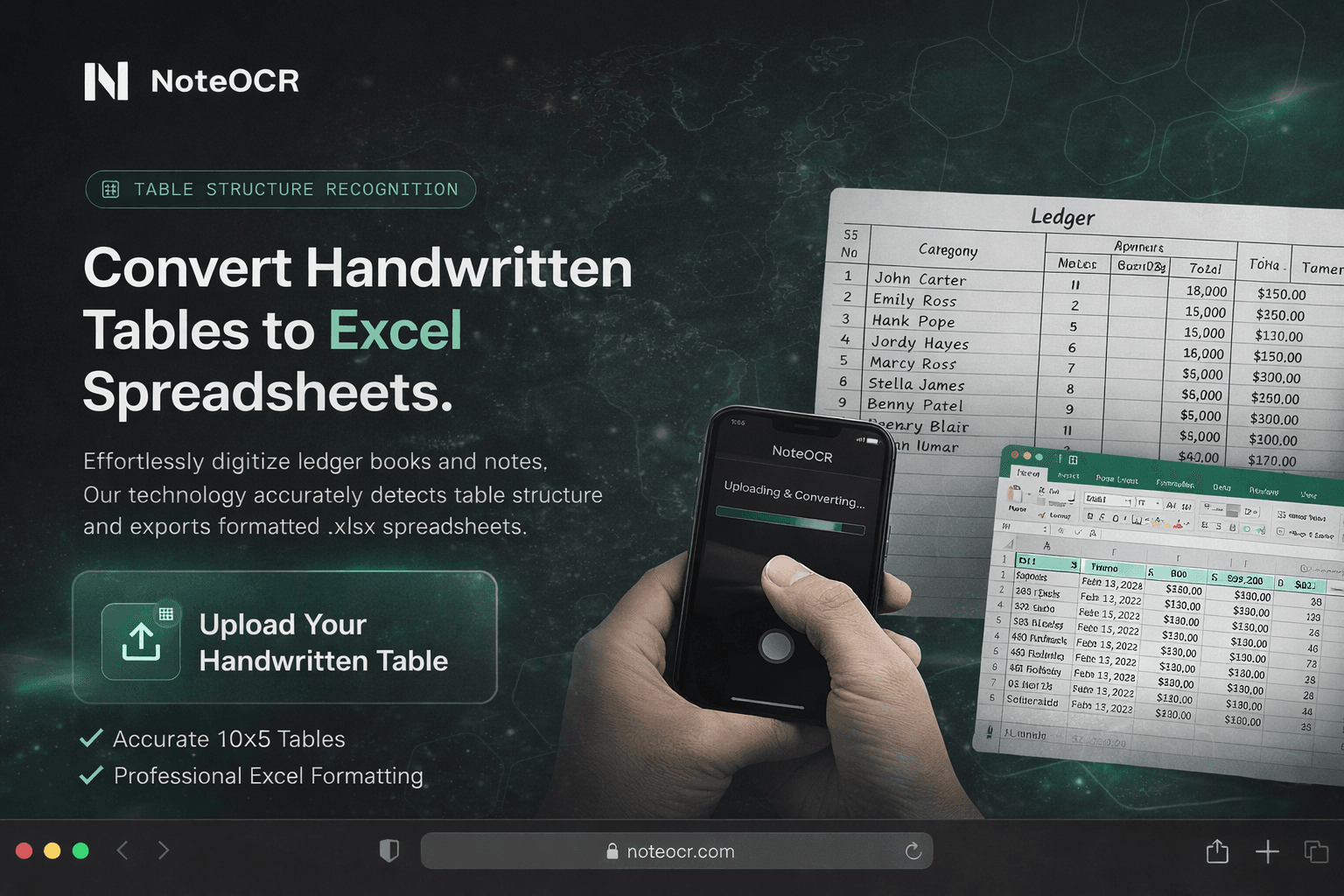
Best Apps to Convert Handwritten Tables to Excel in 2026 (Tested & Ranked)
Struggling to convert handwritten tables into Excel? We tested 7 tools on real handwriting — messy, cursive, and structured then ranked them honestly. One clear winner.
How to Convert Handwritten Notes to a Word Document Online (Without Retyping a Single Word)
Stop retyping handwritten notes manually. We tested 6 tools that convert handwritten pages to editable Word documents online — and ranked them honestly. One handles messy writing, tables, and multi-language text better than all the rest.
Frequently asked questions
What is NoteOCR?
NoteOCR is a handwriting and document conversion platform. It converts handwritten notes, tables, invoices and timesheets from photos, scans and supported PDFs into editable Word, Excel and PDF files.
How accurate is NoteOCR's handwriting recognition?
Recognition quality depends on handwriting clarity, image resolution, lighting and document condition. Clear handwriting generally produces better results, while messy writing and poor-quality images can affect recognition. Always review important names, dates and figures after converting.
Can NoteOCR recognize cursive handwriting?
Yes. NoteOCR supports printed and cursive handwriting, including joined-up and slanted writing. Results depend on how clearly the handwriting is written and the quality of the uploaded image.
Can I try NoteOCR without creating an account?
Yes. You can upload an image and preview the converted result without signing up. Editing and downloading the converted Word or Excel file requires a paid account.
Can NoteOCR convert handwritten tables to Excel?
Yes. NoteOCR can recognize handwritten tables and organize their rows and columns into an editable Excel spreadsheet. You can use it for tables, invoices, timesheets and inventory records.
Which languages does NoteOCR support?
NoteOCR supports multiple languages. Visit the handwriting recognition page for the current list of supported languages.
Which file formats can I upload?
NoteOCR supports image uploads such as JPG, PNG and WebP, as well as supported PDF documents. The free demo accepts images up to 10 MB.
Are my uploaded documents private?
We don't use your documents to train models, and files are encrypted in transit and at rest. You can review our privacy policy for information about document handling and file retention.
Does NoteOCR have a mobile app?
Yes. NoteOCR is available on iPhone and Android. You can photograph handwritten documents and convert them using the mobile app. The app offers the same free preview as the website, while editing and downloading converted files requires a paid account.
See how NoteOCR reads your handwriting
Upload a handwritten page and preview the converted result for yourself.
Try a conversion without signing up. Review your result before choosing a paid plan.